if you are forget your screen lock or pattern , just don't panic.
In this Post you are going to learn factory reset/hard reset a Samsung Company Android smartphone for all Models.

You don't need an extra knowledge to do it,
all you need is A smartphone and a working brain.
step 1:- Turn Off the mobile phone.
step 2:- Press Volume Up+ Home Key and then power up the phone, keep holding volume up and home key Until You see Android Logo
step 3:- You will Boot Up Into Device stock recovery,
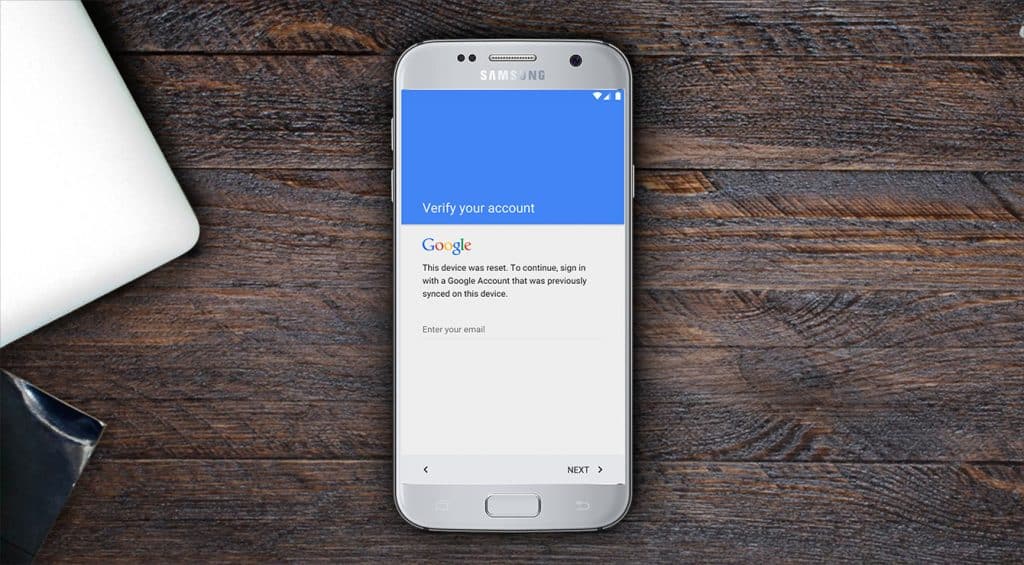
It will look like below image

In this Post you are going to learn factory reset/hard reset a Samsung Company Android smartphone for all Models.
You don't need an extra knowledge to do it,
all you need is A smartphone and a working brain.
step 1:- Turn Off the mobile phone.
step 2:- Press Volume Up+ Home Key and then power up the phone, keep holding volume up and home key Until You see Android Logo
step 3:- You will Boot Up Into Device stock recovery,
It will look like below image
after seeing this screen you need to select Wipe Data/Factory reset.
Note:- You Will Loss All of Your Data and Settings.
step 4:- select Yes and Then factory reset will processed.
step 5:- after step 4 fully done , then simply reboot Your device.
it will take some time to boot up and your screen lock is removed,
step 6:- connect to a network and enter your google account and set up your device.
If You Forget Your Google Account Information
Then visit AndroZem.com and make a tutorial request.
Yo this works
ReplyDeleteGreat, very essy to do
Thanks a lot for saving my phone.
Subscribe us by email for future updates , TOP RIGHT Corner
Delete